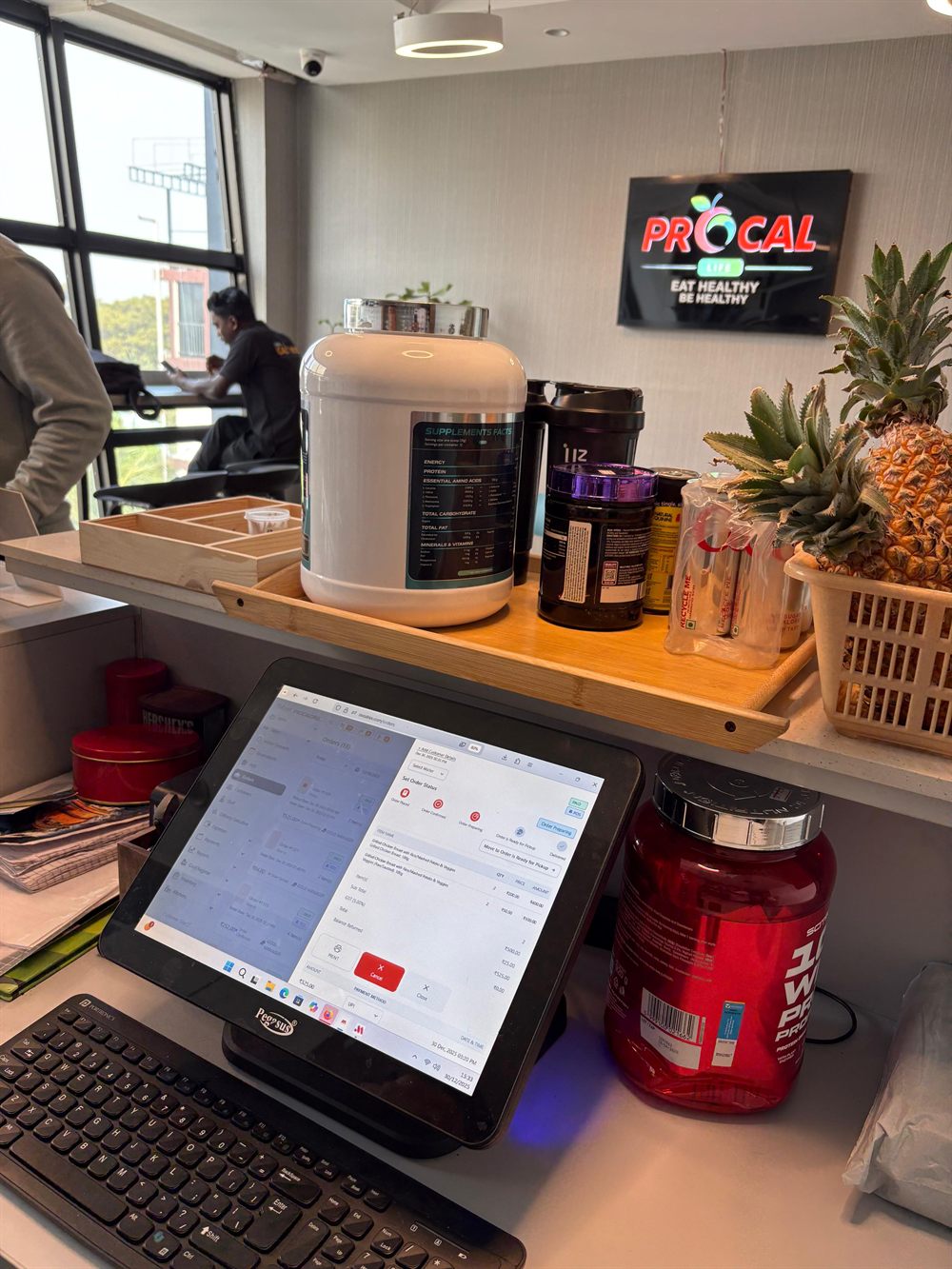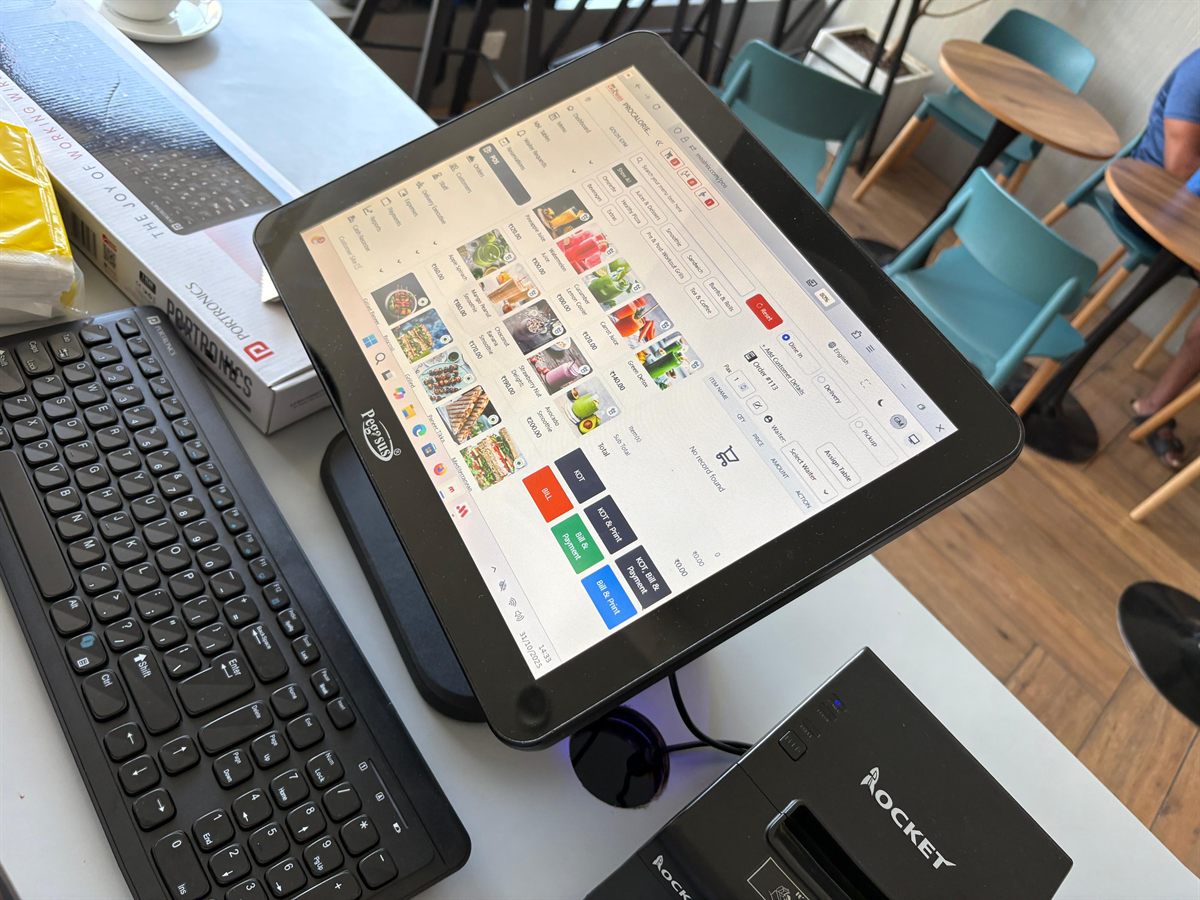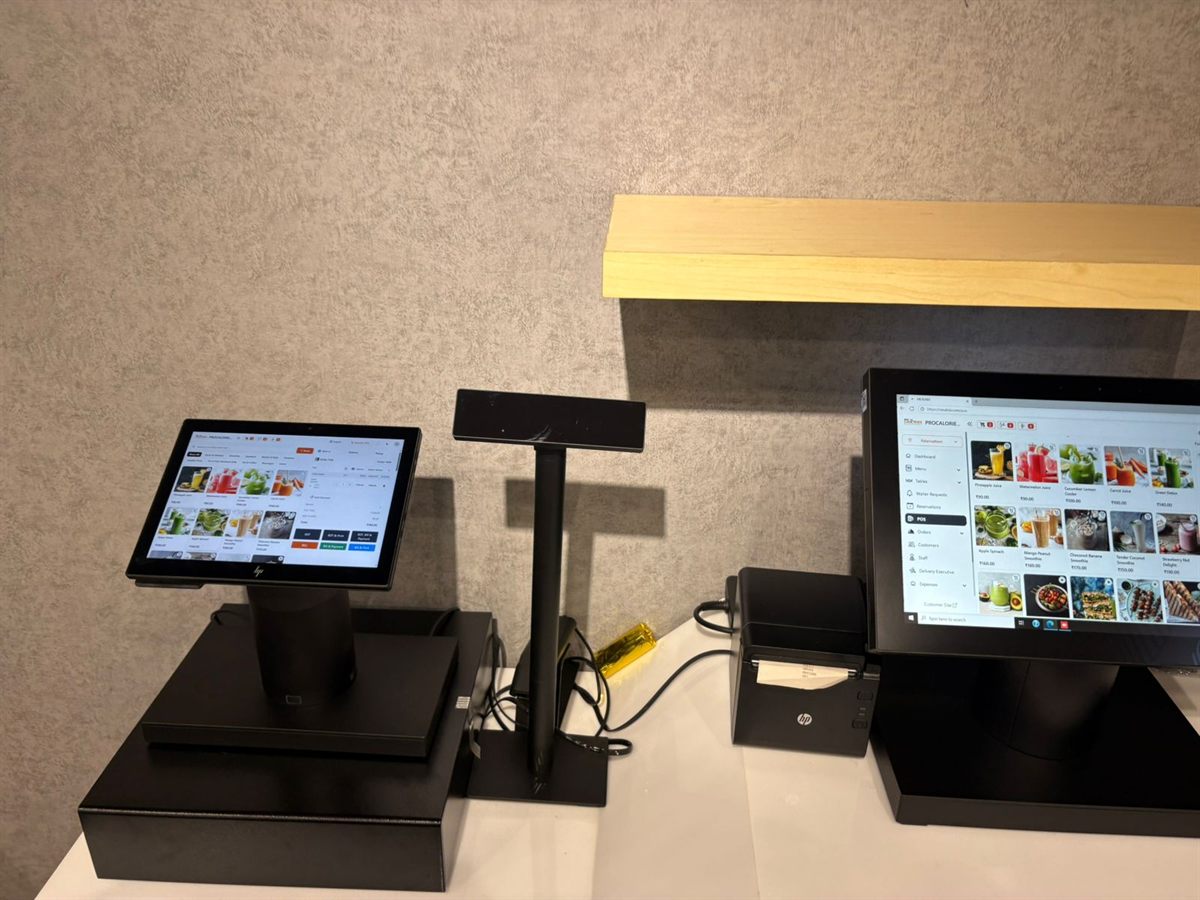
Choosing Restaurant POS Hardware: A Practical Buyer's Guide
Terminals, thermal printers, cash drawers and customer displays — what actually matters, and where you can safely spend less.
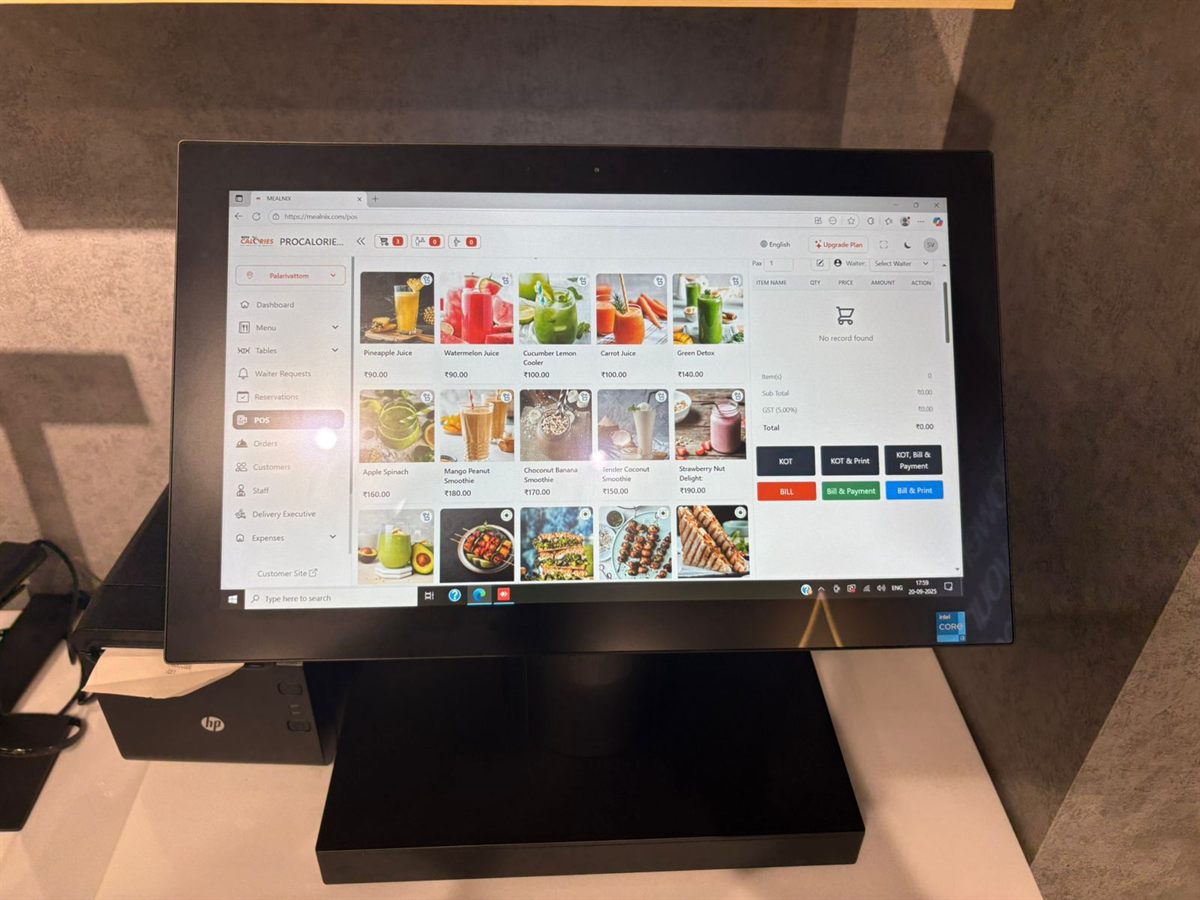
Changing POS feels risky because the failure mode is public: a queue of guests and a counter that cannot take money. It is manageable, but only if you do the boring parts before the switch rather than during it.
Restaurants often try to bring across years of history and stall on it. Separate what you need operationally from what you need for reference.
Must move: your menu — categories, items, prices, variations, modifiers, tax settings. Your staff list and their roles. Your tables and areas. Inventory items and current stock levels if you use them. Customer records where you bill on account.
Usually does not need to move: historical bills. Keep the old system readable, or export the reports you need as PDFs and files, and start the new system with a clean sequence. Trying to import three years of transactions is a large amount of work for something you will consult a handful of times.
This is the bulk of the work and it is worth doing carefully rather than fast. Export your existing menu to a spreadsheet and clean it before importing:
Do not go live cold. Run the new system alongside the old one for a few days, during your quietest shift.
Bill a handful of real orders on the new system while the old one remains the system of record. What you are checking:
Every problem you find in this phase is one you are not finding in front of a guest.
Do not train everyone on everything. A cashier needs to bill, discount, split and refund confidently and does not need the payroll module. Train by role, on the actual hardware, with the actual menu.
Aim for one person per shift who is comfortable enough to help the others — your first week runs on those people, not on a manual.
Go live at the start of a quiet week, not before a weekend and not before a festival. Ideally switch at the start of a month, so your reporting periods stay clean.
On the day, keep the old system accessible but do not bill on both. Split billing between two systems is how a day's takings become unreconcilable.
Menus, categories, items, staff and inventory can be imported at setup rather than retyped, and the free trial gives you a full environment to build and test in before you commit. Because it runs in a browser, you can trial it on an existing laptop alongside your current counter without buying anything. If you want help mapping your existing menu across, get in touch and we will go through it with you.
Usually not. Keep the old system readable or export the reports you need as files, and start the new system with a clean invoice sequence. Importing years of transactions is a large amount of work for data you will rarely consult.
At the start of a quiet week and ideally the start of a month, so reporting periods stay clean. Avoid switching before a weekend or a festival period, and never bill on two systems simultaneously — the day's takings become impossible to reconcile.
The menu build is the bulk of it and depends on how many items you have and how clean your existing data is. Allow time to test real orders during a quiet shift before going live, since problems found in testing are problems not found in front of guests.
Cloud restaurant POS with billing, kitchen tickets, QR menus, recipe-level inventory and 20+ reports — running in the browser on the hardware you already have.
Terminals, thermal printers, cash drawers and customer displays — what actually matters, and where you can safely spend less.
Counting stock tells you what is left. Recipes tell you what should be left — and the gap between the two is where your margin goes.
QR ordering saves labour when it is set up properly and annoys guests when it is not. The practical differences.