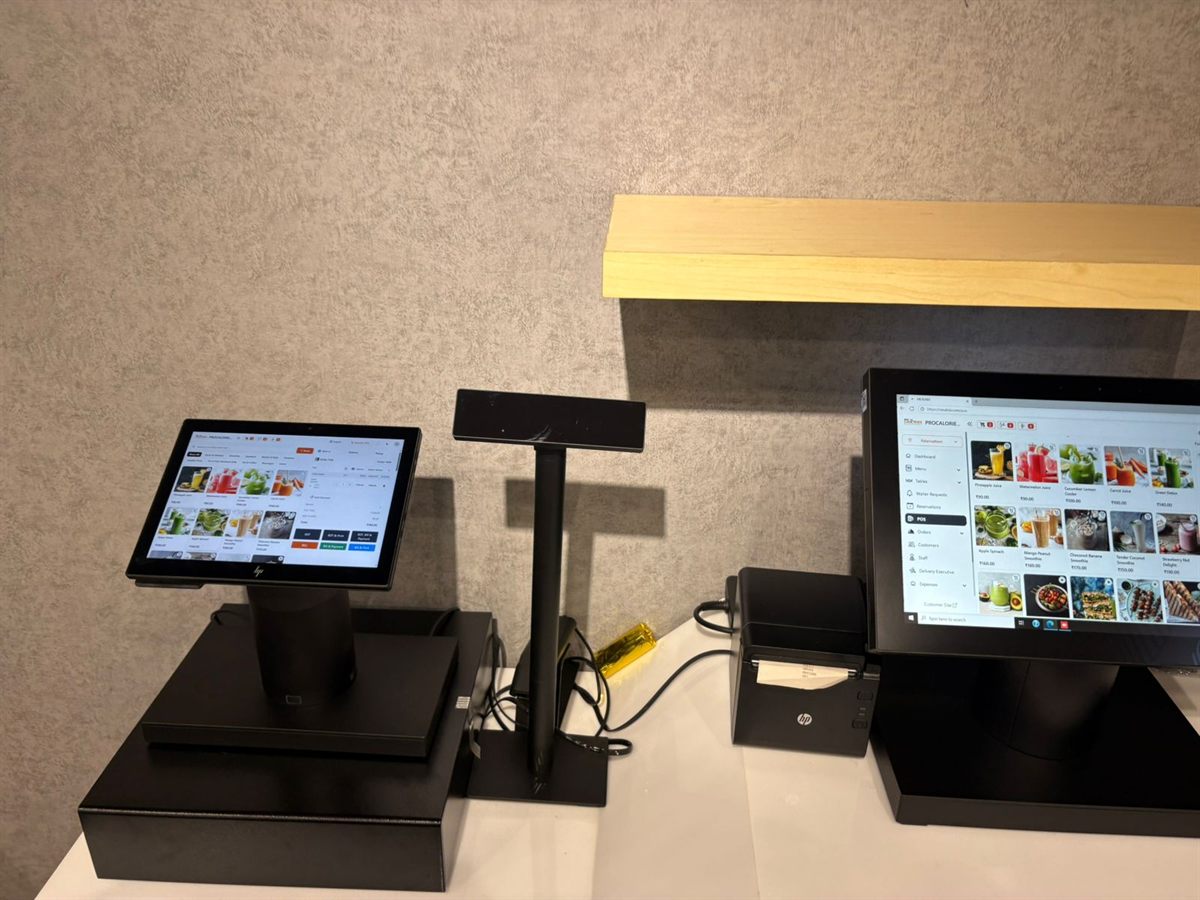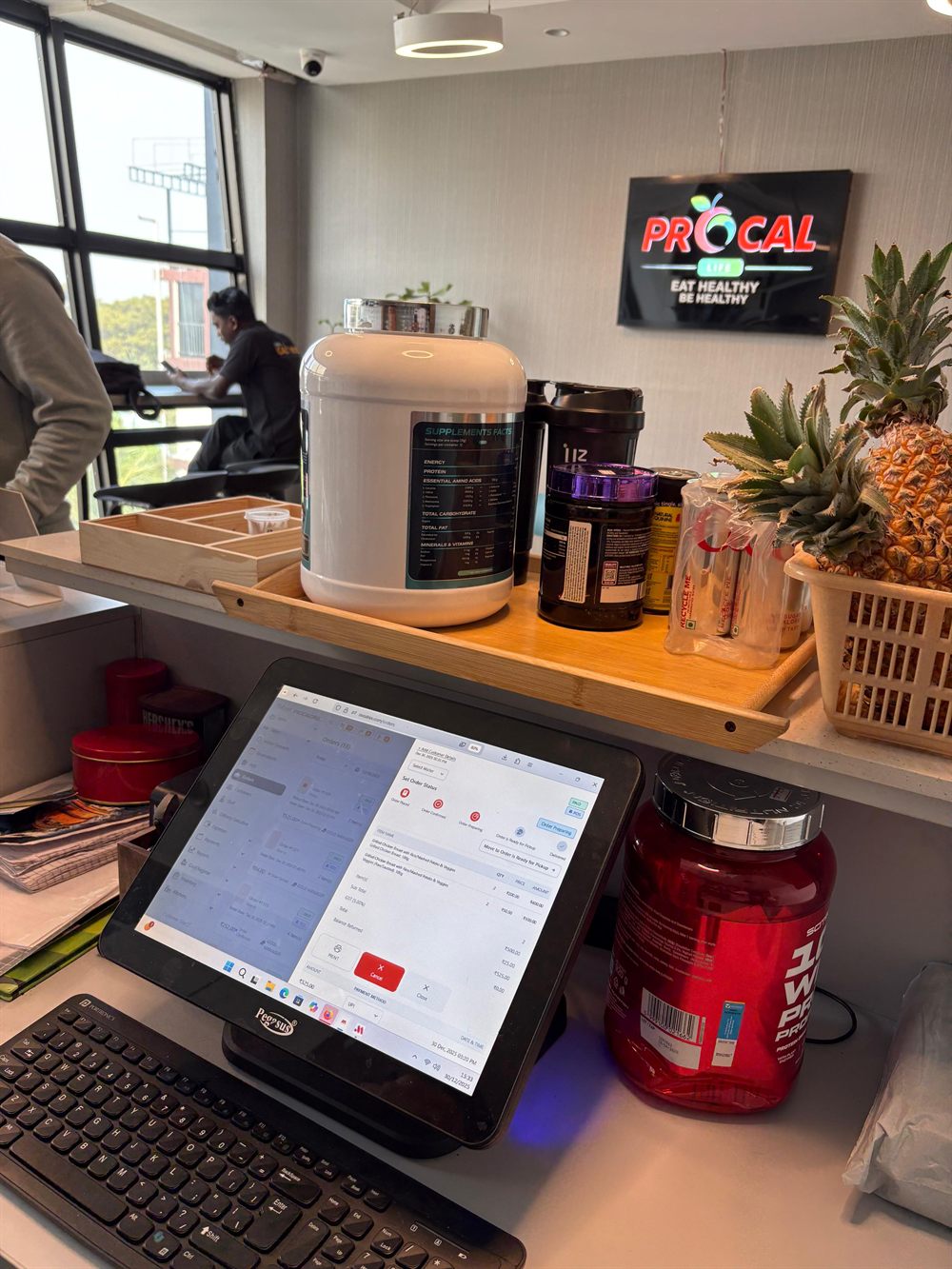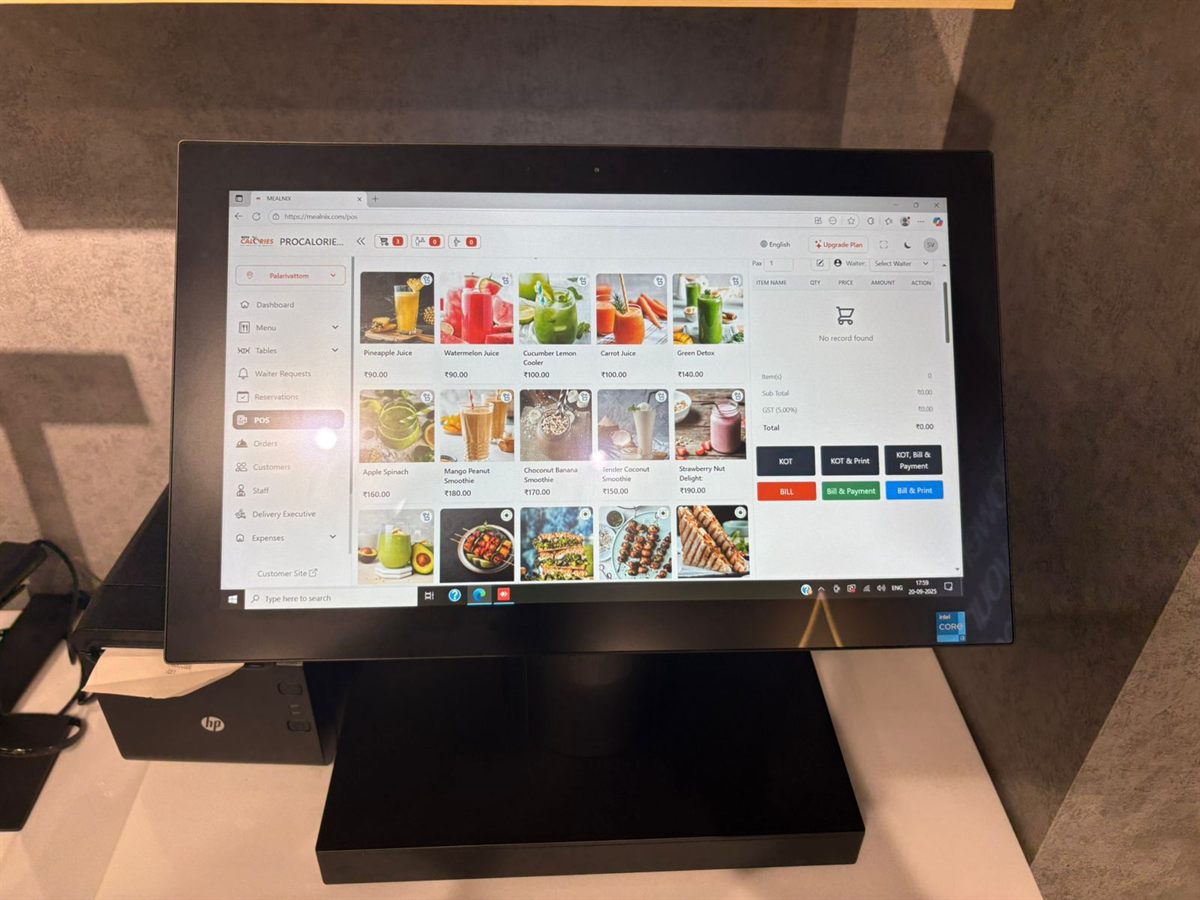
Switching Restaurant POS Without Losing a Service: A Migration Checklist
What to move, what to leave behind, and how to change systems without a disastrous first Friday night.
QR menus got a bad reputation because a lot of them were bad: a photographed paper menu as a PDF, pinch-zoomed on a phone in dim light. Done properly they reduce order-taking labour and cut mistakes. The gap between the two is mostly setup.
If scanning your code opens a PDF, you have made the guest's life harder than the paper version. A usable QR menu is an ordinary mobile web page: text that reflows, categories you can jump between, photos that load quickly, and prices that are selectable text rather than pixels.
It should also not require an app. Every additional install is a point where guests give up and wave at a server instead — which is fine, but then you have paid for a system nobody uses.
A single code for the whole restaurant is simpler to print and fine for browsing. But if you want guests to order, the system needs to know where they are sitting, which means a code per table.
Per-table codes let an order arrive in your POS already attached to table 12, with no one asking. They also let you keep a running tab per table across several rounds. The cost is that you need to reprint codes if you rearrange the room, so laminate them or use table tents rather than gluing them down.
There are three levels, and the right one depends on your service style:
Most full-service restaurants land on the middle option. Cafés and quick-service counters often do better with the third.
The single biggest reason QR menus fail is drift. The kitchen runs out of a dish, the counter knows, and the QR menu happily keeps taking orders for it.
Your QR menu must be reading the same menu data as your POS, with availability included. When the kitchen marks an item unavailable, it should disappear from the guest's phone within seconds — not at the next menu update. If your QR menu is a separate system that syncs nightly, you will be apologising to guests daily.
QR codes can be generated per table or for the outlet as a whole, and they open the same menu your POS uses — same items, same prices, same availability. When the kitchen marks something unavailable it drops off the guest's phone. Orders placed from a table arrive in the POS queue already attached to that table, and no app install is involved at any point.
No. A well-built QR menu opens as an ordinary web page in the phone camera's browser. Requiring an app install is the fastest way to make guests abandon the process and ask for a paper menu instead.
One per table if you want guests to place orders, because the order then arrives already attached to the correct table. A single code for the venue is fine if the QR menu is browse-only and a server still takes the order.
The QR menu must read live availability from the same system as your POS. When kitchen staff mark an item unavailable it should disappear from guests' phones within seconds, rather than at the next scheduled sync.
Cloud restaurant POS with billing, kitchen tickets, QR menus, recipe-level inventory and 20+ reports — running in the browser on the hardware you already have.
What to move, what to leave behind, and how to change systems without a disastrous first Friday night.
Terminals, thermal printers, cash drawers and customer displays — what actually matters, and where you can safely spend less.
Counting stock tells you what is left. Recipes tell you what should be left — and the gap between the two is where your margin goes.