Switching Restaurant POS Without Losing a Service: A Migration Checklist
What to move, what to leave behind, and how to change systems without a disastrous first Friday night.
Hardware is where restaurants both overspend and under-plan. A cloud POS runs in a browser, which means your choices are wider and cheaper than a vendor selling a bundled terminal will tell you.
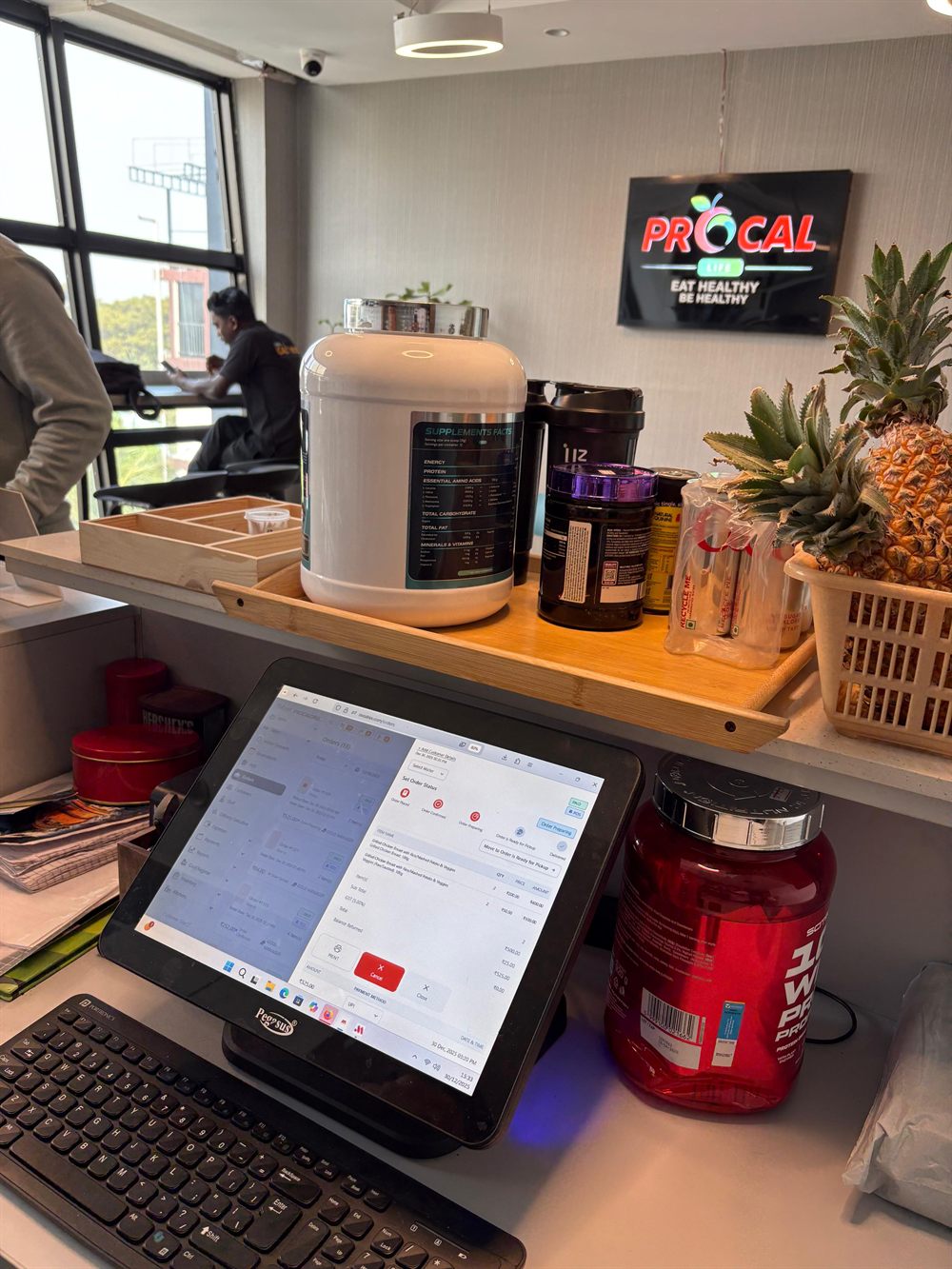
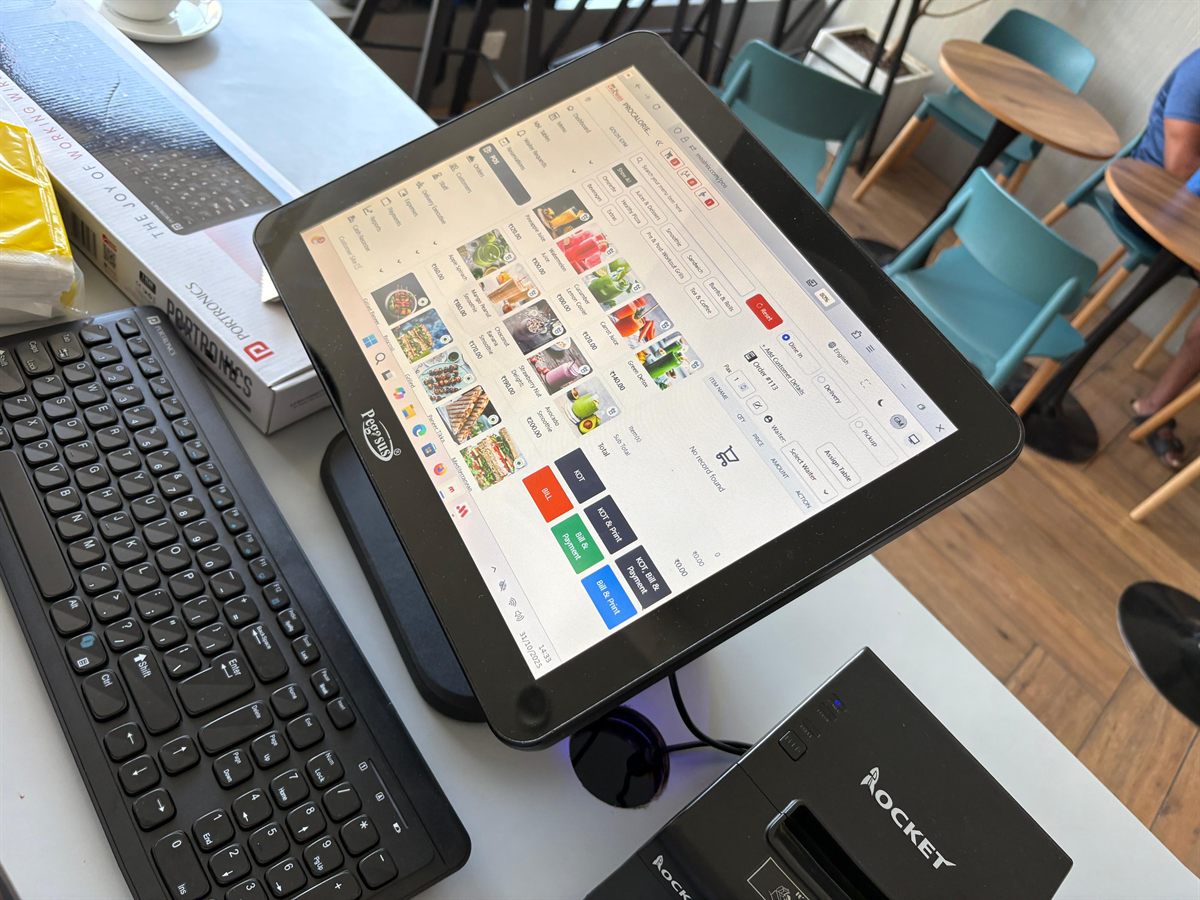
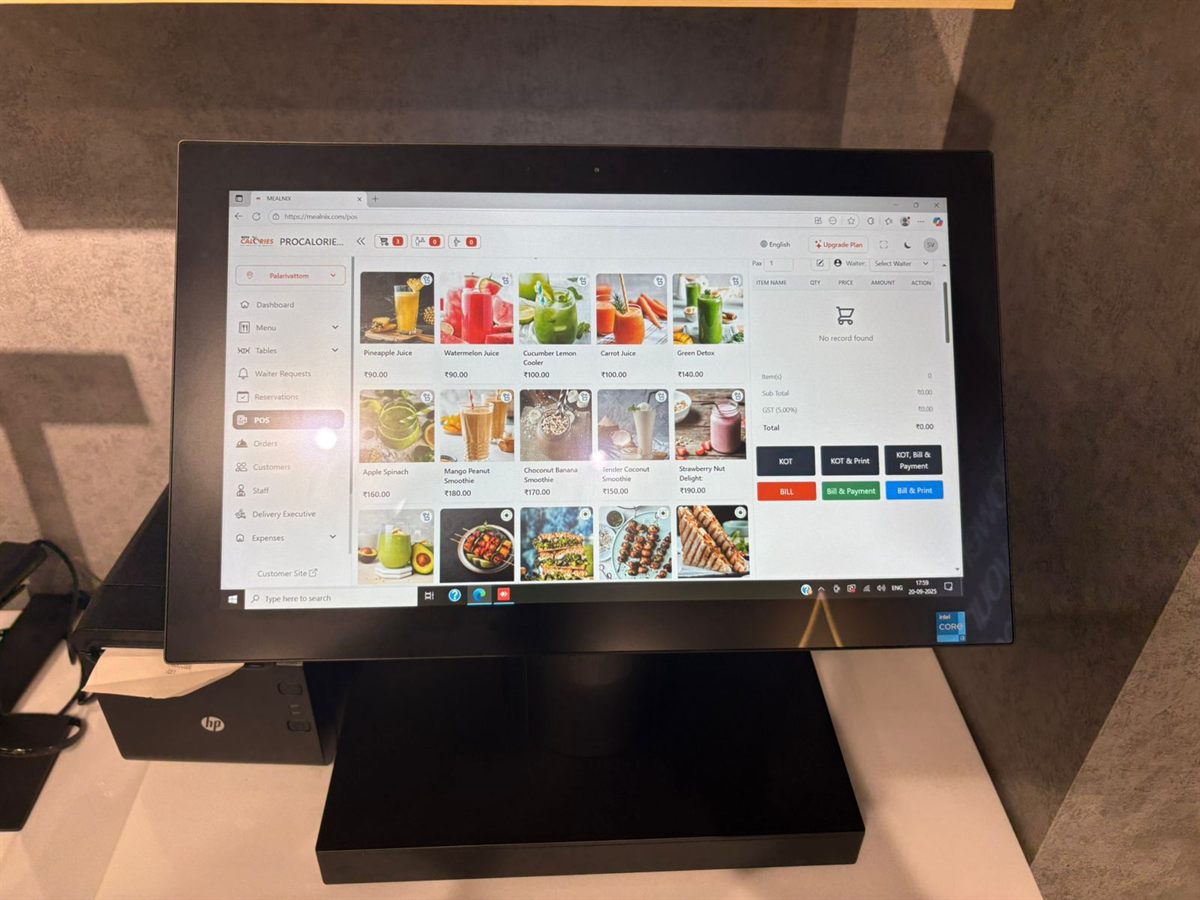
If your POS is browser-based, any machine that runs a modern browser will do. That includes all-in-one touchscreen terminals, an ordinary laptop, or a tablet.
What actually matters at the counter:
You do not need a high-specification machine. Billing is not demanding work. Spend on the panel and the build, not the processor.
Thermal printers come in two common widths and the choice is mostly about content.
58mm is cheaper, and the paper rolls cost less. Fine for short takeaway receipts. It gets cramped once you have long item names, modifiers and a tax breakdown.
80mm is the sensible default for a restaurant. Item names fit on one line, modifiers sit legibly under their dish, and the tax section does not wrap awkwardly. Kitchen tickets in particular benefit from the extra width.
Buy ESC/POS-compatible printers — this is the near-universal command set, and anything supporting it will work with most software. Check whether you want USB or network: network printers are easier to share between counters and easier to place away from the billing machine, which matters for kitchen printers.
One practical note: keep a spare printer. Not a spare on order — a spare in the cupboard. A dead printer at 8pm on a Saturday stops service in a way a dead screen does not, because you can always bill on a laptop.
Nearly all cash drawers are triggered by the receipt printer through an RJ11 cable rather than connecting to the computer. This means the drawer is chosen to match the printer, not the POS.
Get a drawer with a removable coin tray and a proper lock. The mechanism is the part that fails; the box itself lasts forever.
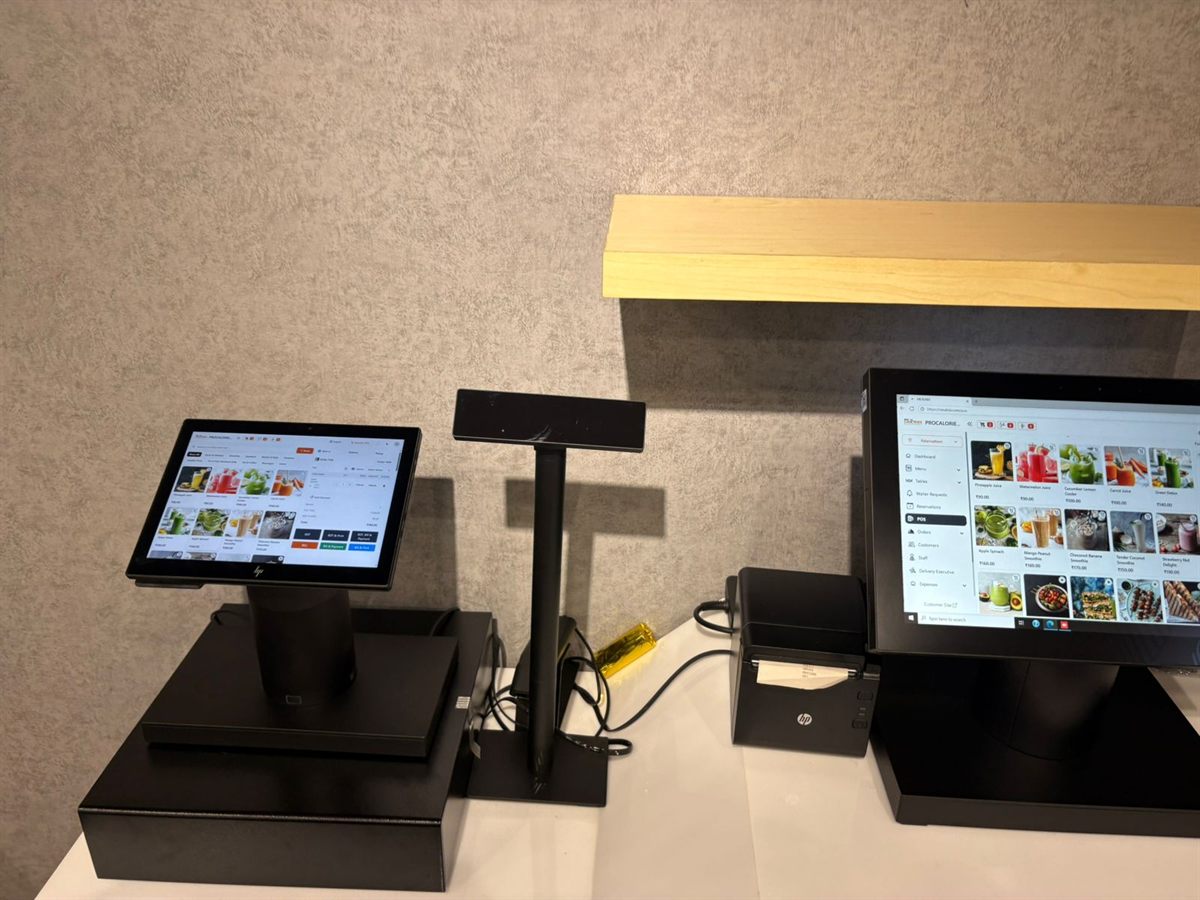
A second screen facing the guest showing the running total is genuinely useful — it reduces disputes at payment and looks professional. A small pole display showing the total is the cheap version; a full tablet showing the itemised order is the better one.
Neither is essential on day one. Add it when the counter is otherwise settled.
A cloud POS needs internet. This is the single most common source of trouble, and it is almost always cheap to fix.
For a single-counter restaurant: one touchscreen terminal, one 80mm printer at the counter, one 80mm printer in the kitchen, a cash drawer on the counter printer, wired internet with a mobile backup, and a UPS for the router and terminal. Add customer displays and additional kitchen printers as the operation grows.
MealNix runs in the browser, so it works on hardware you already own or can buy from any supplier — there is no proprietary terminal to purchase. It prints to standard 58mm and 80mm ESC/POS printers over USB or network, supports separate billing and kitchen printers per counter, and a desktop print agent handles instant printing without a browser dialog.
80mm is the sensible default. Long item names, modifiers and a tax breakdown all fit legibly, and kitchen tickets are easier to read. 58mm is cheaper and fine for short takeaway receipts, but gets cramped quickly.
No. Browser-based POS runs on any machine with a modern browser, including an ordinary laptop or tablet. Spend on a good capacitive touch panel and a wipeable, fanless build rather than on processing power, which billing does not need.
Almost all cash drawers are triggered by the receipt printer over an RJ11 cable, not by the computer. That means you choose the drawer to match your printer rather than your POS software.
Cloud restaurant POS with billing, kitchen tickets, QR menus, recipe-level inventory and 20+ reports — running in the browser on the hardware you already have.
What to move, what to leave behind, and how to change systems without a disastrous first Friday night.
Counting stock tells you what is left. Recipes tell you what should be left — and the gap between the two is where your margin goes.
QR ordering saves labour when it is set up properly and annoys guests when it is not. The practical differences.