Switching Restaurant POS Without Losing a Service: A Migration Checklist
What to move, what to leave behind, and how to change systems without a disastrous first Friday night.
The kitchen order ticket is the handover between the person taking the order and the people cooking it. When it works, nobody thinks about it. When it does not, you get missing dishes, duplicated fires and arguments at the pass.
Plenty of restaurants start with a single kitchen printer. Every order prints in full, and whoever is nearest tears it off and shouts the items across. That holds up until you add a second section.
Once you have a grill, a cold station and a bar, a combined ticket means three people reading one strip of paper for the two lines that concern them. The fix is routing: each menu item is assigned to a kitchen section, and a single order produces a separate ticket at each section that has something to make. The grill gets the grill items. The bar gets the drinks. Nobody reads past their own list.
A kitchen ticket is not a bill and should not look like one. Prices are noise. What the section needs is:
Modifiers deserve care. "No onion" printed on its own line, detached from the dish it modifies, is how the wrong plate leaves the kitchen.
If you run more than one billing counter, each needs to know which printers belong to it. A common failure is a job created at counter 2 being routed to a printer that only counter 1 can reach — the order looks placed, and nothing ever prints.
This is worth testing explicitly when you set up: bill one item from every counter and confirm it emerges from the expected printer. A print job log that records which counter sent each job, and whether it completed, turns a mystery into a two-minute diagnosis.
Service is not tidy. Three cases need defined behaviour:
Additions. A guest adds a dessert twenty minutes in. That should print as a new ticket containing only the new item, clearly marked as an addition to the same order — not a fresh copy of everything.
Voids after firing. If an item is removed after the kitchen has it, the kitchen must be told. A removed-item ticket, and a report that lists these, protects both your food cost and your staff, because a pattern of late voids is worth knowing about.
Reprints. Paper jams and someone spills something. A reprint should be possible without creating a duplicate order, and should be marked as a reprint so the section does not fire it twice.
Browser printing is where cloud POS systems usually stumble: a print dialog appears, someone has to click it, and during a rush nobody does. The workable answer is a small agent on the billing machine that receives jobs and sends them straight to the printer with no dialog at all.
Whatever the mechanism, insist on a log. Knowing that a job was created, sent and completed — with a timestamp — is the difference between fixing a printer problem and guessing at one.
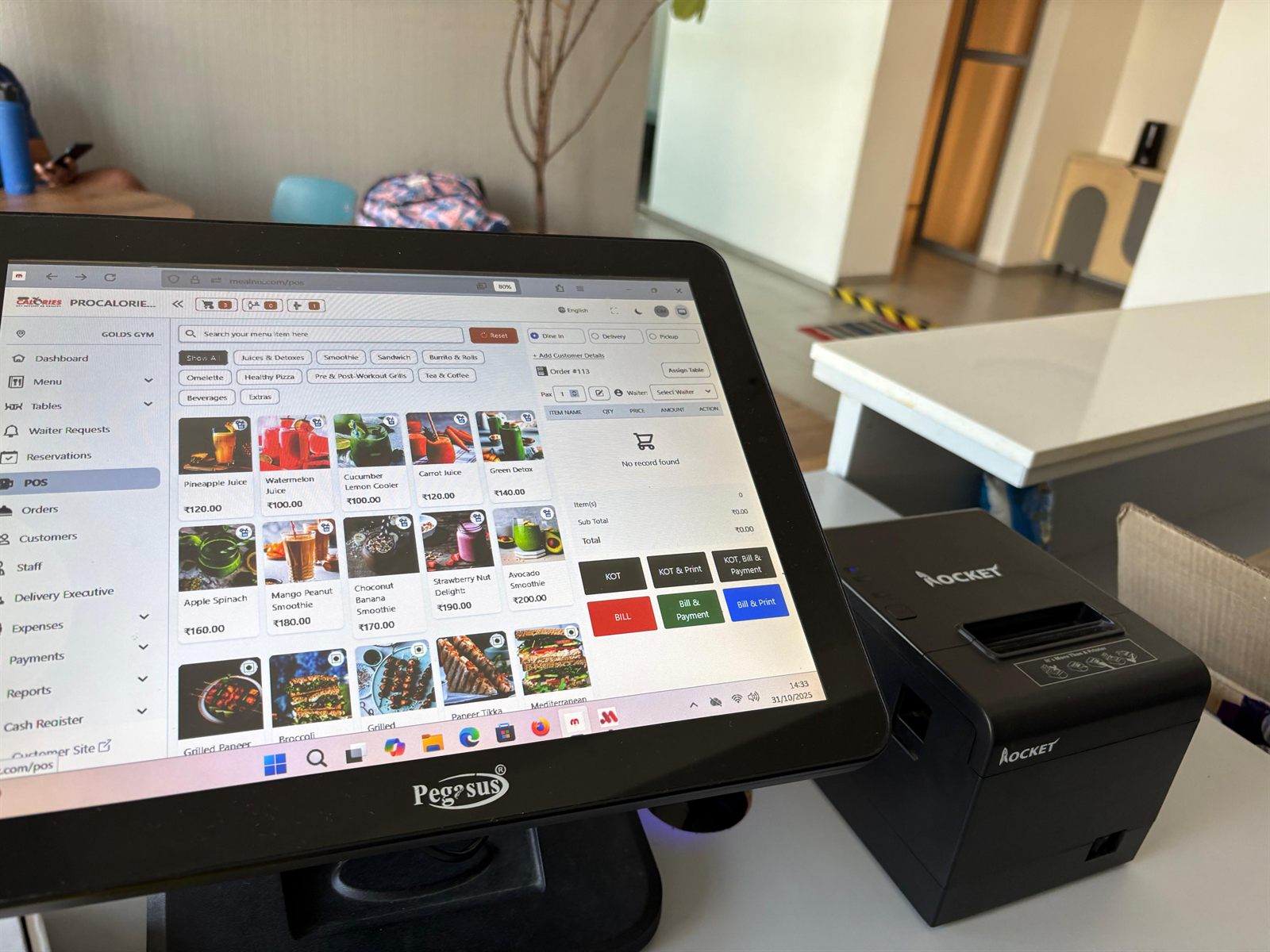
Items are assigned to kitchen places, and one order produces a ticket at each section involved. Counters carry their own printer assignments, and jobs are scoped so a ticket cannot be stranded on a printer the counter cannot reach. A desktop print agent receives jobs in real time and prints without a dialog, and the print job report records what was sent, from which counter, and whether it completed. Removed KOT items get their own report.
A kitchen order ticket is the printed instruction sent from the billing counter to the kitchen listing what to cook. It carries the order number, table or channel, items, quantities and modifiers, but not prices.
Yes, once you have more than one section. Routing items so the grill, cold station and bar each receive only their own items removes the need for staff to read past irrelevant lines and speeds up the pass considerably.
The most common causes are a print job routed to a printer the billing counter cannot reach, and browser print dialogs that nobody clicks during a rush. A print job log showing which counter sent each job and whether it completed makes this quick to diagnose.
Cloud restaurant POS with billing, kitchen tickets, QR menus, recipe-level inventory and 20+ reports — running in the browser on the hardware you already have.
What to move, what to leave behind, and how to change systems without a disastrous first Friday night.
Terminals, thermal printers, cash drawers and customer displays — what actually matters, and where you can safely spend less.
Counting stock tells you what is left. Recipes tell you what should be left — and the gap between the two is where your margin goes.